A WordPress site is slow if the main block of the first screen takes longer than 2.5 seconds to appear on a phone: that is the line Google draws. Above 4 seconds, PageSpeed marks it red.
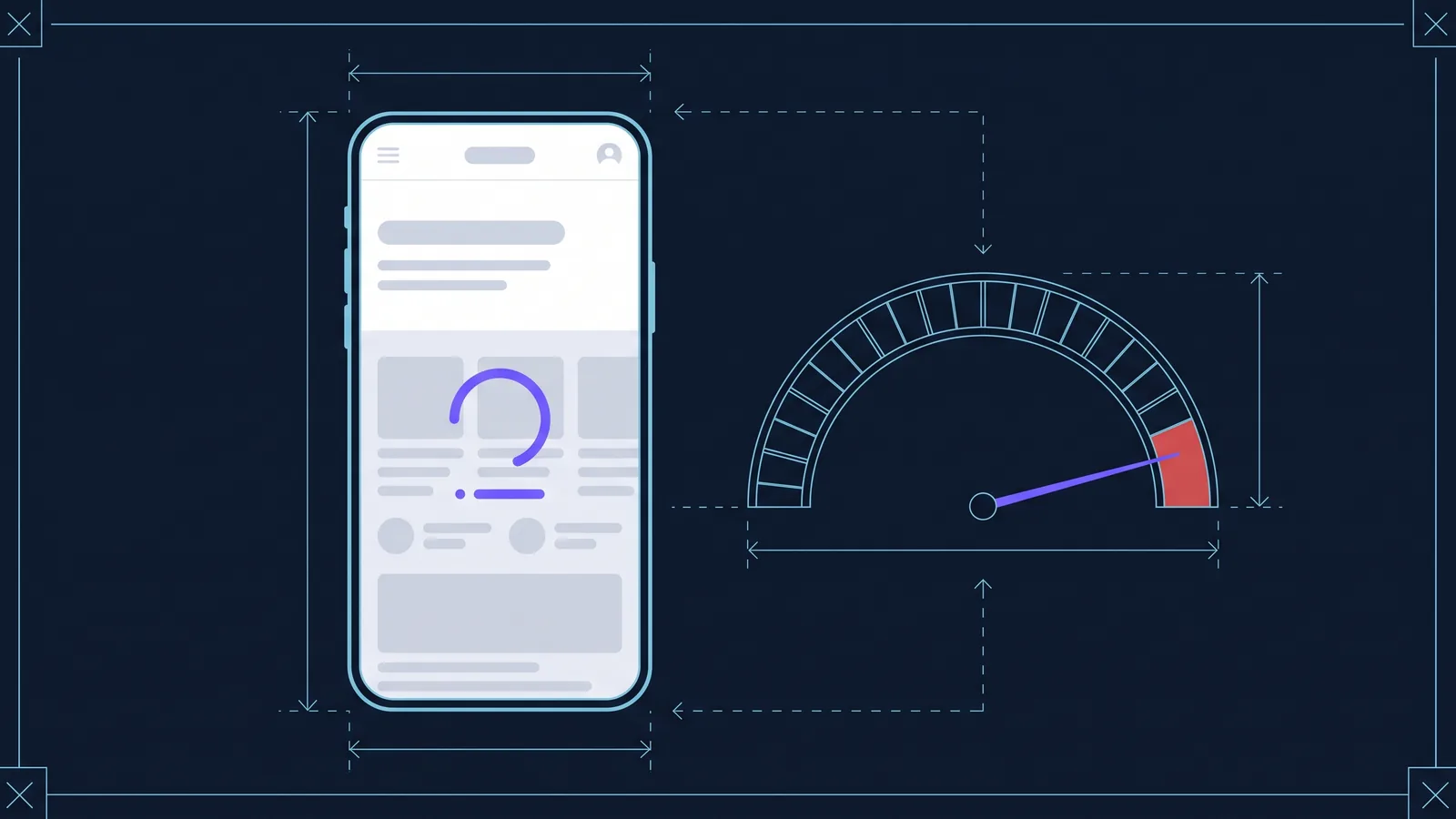
While the site is slowly loading, a visitor from search or ads leaves: they close the tab and pick the next site in the results. You have already paid for that ad click. Google takes speed into account too, and all else being equal, a fast site gets the edge.
WordPress itself is rarely the main culprit. What slows a site down is what has been added to it: plugins, a heavy theme, images, widgets, cheap hosting. Most of this can be fixed without rebuilding the site. Below are six common causes. For each one: what it is, how to tell if you have it and what to do.
How to check your site speed in a minute
Open PageSpeed Insights, paste the page address and run the test. In about a minute you get a report, for mobile by default: that is the one to look at.
At the top is data from real Chrome users, if the site gets enough visitors. Below is a lab test: the Performance score and the metrics. Look at four things:
- Performance. The overall score: 90 and above is green, below 50 is red.
- LCP (Largest Contentful Paint): when the main block of the first screen appears. Good: under 2.5 s.
- TBT (Total Blocking Time): how long scripts keep the page from responding to taps. Good: under 200 ms.
- CLS (Cumulative Layout Shift): how much blocks jump while loading. Good: under 0.1.
Below the metrics is a list of suggestions. We quote their names in the causes below: they show which cause is yours.
Our free express audit shows the same data. It runs PageSpeed twice and keeps the better result, explains each metric in plain words and lists the top three Lighthouse suggestions. It also checks titles, indexing and structured data.
Scores change from one test to the next, and for a lab test that is normal. Run it two or three times and check not only the home page but also a typical inner page: an article, a product or a service.
1. Plugins load on every page but are needed on one

What it is. Many plugins add their scripts and styles to every page. A form is needed only on the Contacts page, a slider on the home page, a forum in its own section, social buttons in articles, yet their files are downloaded everywhere. The phone spends time on each of those files, even where they are not needed.
How to tell if you have it. TBT is above 200 ms, and PageSpeed shows “Reduce unused JavaScript” and “Reduce unused CSS”. Expand them: in the file addresses, the plugin name comes right after the word plugins. If the home page loads files of a forum, or of a form it does not have, you have found the cause.
What to do. Delete plugins you don't use. For the rest, install a script manager plugin: it lets you mark, page by page, which plugins' files not to load. Afterwards, check that the form still sends and the chat still opens.
2. No page cache

What it is. Every time a page is opened, WordPress builds it from scratch: it runs the code of the theme and plugins and queries the database. A page cache keeps the finished page and serves it to guests at once. Sometimes the cache is on but doesn't work: a plugin starts a PHP session for every visitor or marks pages as “do not cache” (no-cache).
How to tell if you have it. PageSpeed flags “Document request latency”: the server is slow to respond. Tools → Site Health in the WordPress admin shows whether there is a page cache. Or open the site in an incognito window and reload the page: if the second load also starts with a long blank screen, there is no cache.
What to do. Turn on caching in the hosting panel or install one caching plugin: two at once conflict. If caching is on but the response is still slow, look for the plugin with sessions: on a copy of the site, deactivate plugins one by one. Logged-in users don't benefit from the cache.
3. Heavy images and video that loads right away

What it is. A photo from a phone weighs 2–5 MB, while 100–200 KB in WebP is enough for a phone screen. A photo in PNG weighs more than in WebP. Images without set dimensions push the text around as they load. A YouTube video pulls in the player and hundreds of kilobytes of scripts right away, even if nobody plays it.
How to tell if you have it. PageSpeed shows “Improve image delivery” with estimated savings. LCP is above 2.5 s, and “LCP breakdown” points to an image. CLS is above 0.1: “Layout shift culprits” shows what jumps. A YouTube line under “3rd parties” gives the video away.
What to do. Install an image optimization plugin: it compresses the images already uploaded and creates WebP copies. Replace the video with a preview that starts the player on click: lazy-loading plugins can do this. Images that jump in the theme or the builder are a job for a developer.
4. Page builders and all-in-one themes

What it is. Builders such as Elementor, WPBakery or Divi let you assemble a page without a programmer. The price of convenience is speed: every block is wrapped in layers of extra markup, and the scripts and styles of the builder and the theme load on every page. All-in-one themes “for any business” add sliders, animations, icons and fonts, even if you need only a small part.
How to tell if you have it. In “Reduce unused CSS” and “Render-blocking requests”, most files belong to the builder or the theme: the address shows its name or the word themes. Another sign is “Optimize DOM size”: too many nested blocks.
What to do. Popular builders have a performance section in their settings: turn on loading only the styles in use and lighter markup. In the theme panel, turn off the modules you don't need and delete unneeded plugins from its bundle. Change one setting at a time and check the pages.
5. Ads, widgets and chats on the first screen
What it is. An online chat, a callback button, a pop-up, an Instagram feed, a map, an ad unit. All of these load from other people's servers with their own scripts and, if they start at once, keep the phone busy instead of your first screen. A banner that appears above the text also pushes it down.
How to tell if you have it. “3rd parties” in PageSpeed shows the outside services and the time they take. If there are few plugins but TBT is above 200 ms, the culprit is often here. On a phone you can see it without a report: the chat button appears before the text.
What to do. Remove widgets that bring no leads. Delay the chat and other outside scripts until the first tap or scroll: script-delay plugins can do this. Replace a live map with an image that links to directions. Don't delay analytics counters, but don't run two for the same job either.
6. Weak hosting and an old PHP version
What it is. On a cheap plan, the site shares a server with many others: when the neighbours load it, your site waits. Old versions of PHP, the language WordPress runs on, are slower than new ones and get no security fixes. A server far from your visitors adds delay too.
How to tell if you have it. Caching is on, yet PageSpeed still flags “Document request latency”. The admin panel is slow even on simple screens: the cache doesn't speed it up. Speed jumps during the day. If the PHP version is outdated, Site Health says so plainly.
What to do. Make a backup and switch PHP to the version WordPress recommends: in the hosting panel this usually takes a couple of clicks. Check the site right away: old plugins may stop working. If the server is slow even with caching, move to a plan with dedicated resources or to a host closer to your visitors.
The six causes in one table
| Cause | How to spot | Time | Effect |
|---|---|---|---|
| Plugins | lots of JS and CSS | a day or two | strong |
| No cache | long blank screen | an hour or two | strong |
| Images, video | 2–5 MB photos | an hour or two | noticeable |
| Builder | its code on every page | a day or two | depends |
| Widgets | third-party code | an hour | noticeable |
| Hosting | blank screen even with cache | a day | depends |
The time is a rough guide for a small site with access to the admin panel and the hosting. “Depends”: the result comes down to how much this cause matters on your particular site.
What you can do in a day and what takes real work
Before any changes, make a backup, or better, work on a copy of the site: many hosts create one in a couple of clicks. Change one thing at a time, and after each change check the speed and what matters most: forms, the cart, logging in to accounts.
With access to the admin panel, a day is usually enough to:
- delete plugins you don't use;
- turn on the page cache;
- compress images with a plugin and convert them to WebP;
- replace YouTube videos with previews;
- remove extra widgets and delay the chat;
- switch PHP to a current version.
Several days and careful testing are needed to:
- load plugins only on the pages that need them, checking every page type;
- find the plugin that gets in the cache's way;
- slim down builder pages or replace a heavy theme;
- fix layout shifts in templates;
- move to another host.
Site owners often do the first list themselves. The second is better left to a developer: a mistake in the settings quietly breaks forms and layout on individual pages.
When speeding up won't help and you need a rebuild
Sometimes the foundation of the site is what's slow, and tuning plugins gives little. It is more honest to say so right away. A rebuild makes more sense when:
- the whole site is built in a page builder and most of the weight comes from it: removing the builder means redoing every page anyway;
- the site has no users, orders or content to keep: no accounts, no forum, no articles that bring visitors from search;
- the site needs changing anyway: the structure and design are outdated, and leads are few.
If the site has accounts, a community or many articles with search traffic, it pays to speed up what you have. Moving users and content takes a long time, and if page addresses change, search rankings may drop.
We build new sites on Next.js: pages come from the server ready-made, with no plugins or builders. The scope and timeline of each service are on the services page.
Check your site
Start with a measurement: open the express audit, enter the address, and in a minute you will see the speed score, LCP, TBT, CLS and the main Lighthouse suggestions. It is free and needs no sign-up. Compare the report with the six causes above, and it will be clear what to fix first.
If you don't have time to deal with it yourself, leave a request: we will look at the site and tell you what speeding it up will give and where a rebuild is the honest answer.