Short answer: a site needs a redesign when it gets in the way of sales, not when you are tired of it. Rankings are lost during a redesign not because of the new look but because of three mistakes: page addresses changed without redirects, pages that brought traffic were deleted, and nobody opened the new site for indexing. Below: how to tell it is time, what to choose between a fix-up, a redesign and a new site, and what to do before, during and after launch so nothing is lost.
Five signs your site needs a redesign, not a touch-up
- The site is hard to use on a phone. Small text, buttons that do not tap, a menu that does not open. 91% of our ad visits come from phones (GA4 data for 12–18 October 2026), and most of our clients see the same. If the site was built "for desktop", nine visitors out of ten see it differently from you.
- The site is slow. Google calls a page fast when, for 75% of visitors, the main element appears within 2.5 seconds, a tap responds within 200 milliseconds and the layout does not jump (Core Web Vitals thresholds). If the first screen takes 5–10 seconds, visitors from ads leave before it loads. Sometimes this is fixed without a rebuild, but if the theme and plugins weigh 5 MB per page, rebuilding is cheaper.
- The site does not answer the customer's questions. No prices or "from" figures, no terms, no examples, the request form hidden at the bottom. The visitor finds no answer and calls a competitor who has it all written down.
- Content cannot be updated without a developer. To change a price or add a service you have to write to the contractor, and the contractor is gone. That is how sites freeze in 2022.
- The platform is outdated. An old CMS version without updates, plugins that are no longer maintained, no HTTPS. That is security, speed and indexing at once.
One match usually means a fix-up is enough. Three or more mean a redesign or a new site. If the design "just looks dated" while leads keep coming and the site is fast, leave it alone: a new picture by itself brings no extra leads.
Redesign, fix-up or a new site: the difference
By "redesign" clients usually mean three different jobs. They differ in what changes, how long it takes and how much the Google rankings are at risk.
| Option | What changes | Time | Risk to rankings |
|---|---|---|---|
| Fix-up | Platform and page addresses stay. We fix the first screen, forms, speed, texts, add pages. | 1–2 weeks | Low: addresses and texts stay in place. |
| Redesign | New look and page structure on the same or a new platform. Texts are carried over and extended. | 2–4 weeks | Medium: addresses, headings and some texts change. A redirect map is required. |
| New site | New platform, structure, design and texts. Sometimes a new domain. | From 2 weeks for a corporate site | High without a migration plan. Low if the move follows Google's rules. |
Choose a fix-up when the site works overall and there is one problem: slow, awkward on a phone, no form. Choose a new site when the platform is the obstacle: it cannot be sped up, updated or extended. A redesign is everything in between.
What to save before the work starts
The most painful losses happen before the first line of code: the studio starts from a blank page, and a month later it turns out the old "Prices" page brought half of the traffic. So first we collect what already works.
- A 16-month export from Google Search Console. The Performance report by pages and queries: which addresses appear in search and for which words. These pages and words must not be lost.
- A full list of site addresses. From the sitemap, from Search Console and from a crawl. Old sites always have pages nobody remembers, and Google knows them.
- Pages that other sites link to. The Links report in Search Console. Delete such a page without a redirect and the link stops working for you.
- Analytics goals. Which events count as a lead: a form submission, a phone click, a Telegram click. The new site needs the same goals, otherwise there is nothing to compare the result with.
- Page texts, titles and descriptions. Titles, descriptions and texts that bring traffic are moved to the new site as they are, or extended, but not rewritten for "freshness".
- A backup. Files and database of the old site stored outside the hosting. You need it to roll back if something goes wrong.
How to keep rankings: the checklist
Google ranks pages, not the site as a whole. Rankings are tied to specific addresses, headings and texts. The job of a redesign is to keep that link or hand it over carefully to the new pages.
- Page addresses. The best option is to keep the old ones. If the structure changes, make a map "old address → new address" for every page from the list above.
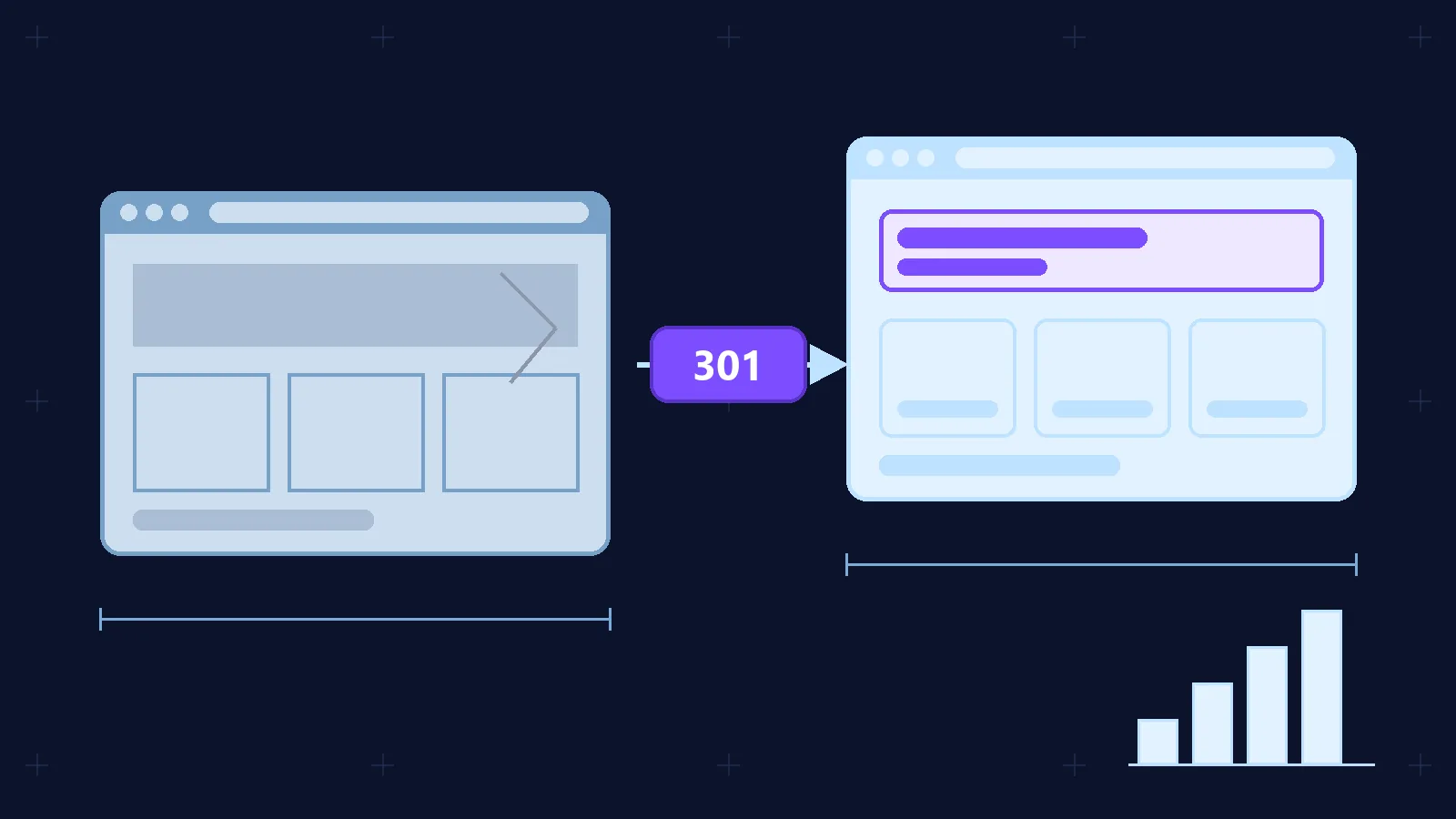
- 301 redirects. From the old address straight to the new one, no chains. Google recommends permanent 301 or 308 redirects and advises keeping them as long as possible, at least a year.
- Headings and texts. On pages that bring traffic, keep the title, the H1 and the meaning of the text. The design changes, the words stay.
- Internal links. Menu, footer and in-text links point straight to the new addresses, not through a redirect.
- Markup and service tags. Canonical, Schema.org, hreflang for language versions, Open Graph for social networks. They are easy to forget on a new site because they are invisible.
- Sitemap and robots.txt. A new sitemap with new addresses only; robots.txt opens everything that should be indexed.
- Analytics. Metrika and GA4 counters with the same goals, Search Console verified on the new site.
None of this is about design. That is why a redesign "by a designer only", without someone responsible for search, most often ends in lost rankings.
If the CMS or the domain changes: a move by Google's rules
A platform change, for example from WordPress to Next.js, looks to Google like a site move with URL changes if page addresses change. A domain change is always a move. In Google's documentation the order is:
- Prepare the new site: content, HTTPS, robots.txt. Return 404 or 410 for pages that do not move.
- Verify both the old and the new site in Search Console.
- Map old addresses to new ones and update canonical tags, hreflang and internal links.
- Turn on 301 redirects and test them.
- Submit the new sitemap.
- Update links to the site in profiles, directories and with partners.
- Monitor traffic and indexing on both sites.
Two rules from the same documentation are broken most often. First: change only one thing at a time. Do not combine a domain change with a new design and a new structure: if rankings drop, you will not know why. Second: ranking fluctuations during a move are normal. Google writes that a small or medium site needs a few weeks for most pages to move.
When the domain changes, after the redirects are on you submit a Change of Address in Search Console. The tool works only for domain-level properties and passes signals from the old site to the new one for 180 days. Keep the redirects after that as long as search traffic still reaches the old addresses. For http to https or www to non-www moves the tool is not needed.
A staging version: a subdomain closed from indexing
The new site is built not at the live address but at a staging one, for example on a subdomain. The client reviews and corrects it while visitors and Google keep seeing the old site. The staging version is closed from indexing with an X-Robots-Tag header or a noindex meta tag, and better also with a password. Otherwise Google indexes the copy, and two identical pages start competing with each other.
We make changes on the staging version and move them to the live site once they are checked. We never copy the live database back to staging: leads and content that appeared during the work must stay where they are.
The launch-day list is short but easy to forget in a hurry: remove noindex and the password, check robots.txt, turn on the redirects, submit the sitemap, check counters and forms, open the site on a phone and a computer, and walk through 10–20 old addresses to make sure each leads to the right new page.
The first four weeks after launch
- Days 1–3. Search Console: request indexing of the main pages, check the Pages report for 404 errors and redirects. Analytics: leads and goals fire.
- Week 1. Compare impressions and clicks by page with the "before" export. A dip on individual pages in the first days is normal; a drop to zero on a page that had traffic means a lost redirect.
- Weeks 2–4. The Pages report in Search Console: old addresses leave the index, new ones appear. Rankings for the main queries return to where they were. If half of the traffic is not back after a month, check the redirect map and the texts that were not carried over.
How much a redesign costs and how long it takes in Tashkent
Tashkent studios hardly publish redesign prices: we looked on 20 and 27 October 2026 and found only price lists for new sites. The reason is clear: the scope of a redesign depends on what is under the hood, so the price is named after a look inside.
It is the same with us: we calculate the exact price after a free express check and a short brief. Guide figures for the options in the table above: a fix-up of an existing site usually costs 2–4 million soums; a redesign with a move to our platform costs the same as a new site: a corporate site from 5 million soums, a landing page from 1.8 million soums. A technical audit before a large redesign, with a work plan and a redirect map, costs 2.4 million soums. All prices are in soums and fixed before the work starts.
Where to start: a free website check
Before deciding what to do with the site, see what is wrong with it. The express audit on vexora.uz checks 35 points in a minute: speed on a phone, headings, indexing, markup. The report shows whether a fix-up is enough or the site should be rebuilt.
If you decide to rebuild, send us the site address and a Search Console export: we will estimate the scope and name the price and the timeline. Sites that already bring leads are rebuilt by the checklist in this article so the leads do not stop.
Frequently asked questions
Will rankings drop after a redesign?
If page addresses are kept or redirects are set up, and texts and headings are carried over, rankings usually stay in place. When addresses change, fluctuations for a few weeks are possible; Google calls them normal.
Can I redesign without changing the platform?
Yes, if the platform allows it: a new theme or template, new pages, the same addresses. It is cheaper and safer for rankings. Change the platform when it stops you from speeding up or extending the site.
How long should I keep redirects from the old addresses?
Google advises keeping them as long as possible, at least a year. With a domain change, signals from the old site are passed for 180 days after the Change of Address request, but redirects are needed beyond that as long as the old addresses still get visits.
Do texts need rewriting during a redesign?
Texts that bring traffic are carried over as they are and extended where needed. Rewrite what is outdated or does not answer the customer's questions: prices, terms, examples of work.
How do I know a fix-up is enough?
If the site is fast, easy to use on a phone and leads keep coming, and there is one problem, say no form or outdated prices, a fix-up is enough. The express audit shows how many points are out of order.